Automatically save your Digen generations.
GenCatalog captures images, prompts, and metadata from Digen so you can organize and reproduce your best generations in a local searchable library.
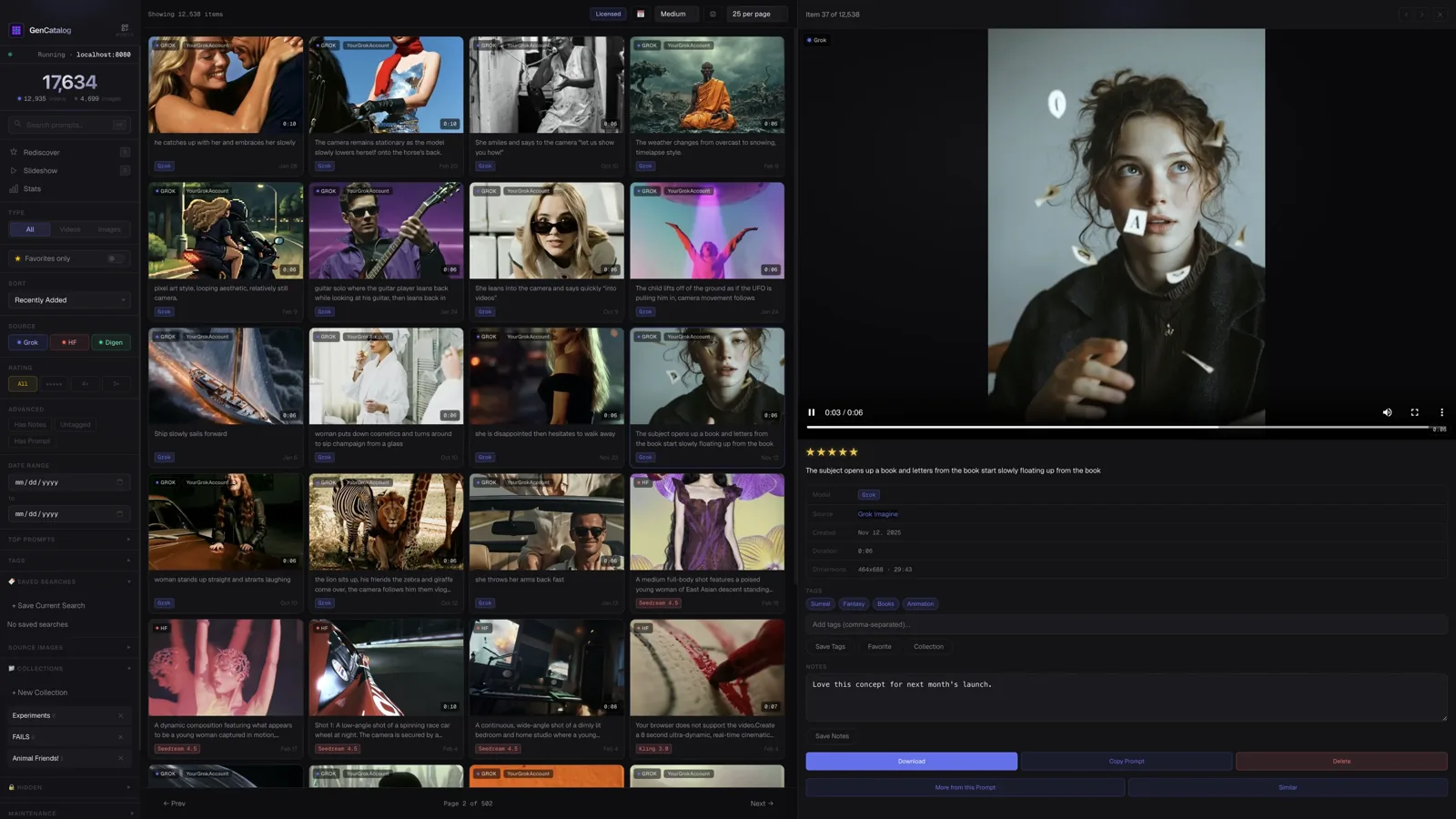
Digen makes it easy to generate quickly. Keeping track of what you made is harder.
After hundreds or thousands of generations, it becomes difficult to remember which prompt produced which result.
GenCatalog automatically records every Digen generation and preserves the full prompt recipe alongside the image.
Prompt and image get separated immediately
The image gets downloaded. The prompt stays in the browser and eventually disappears.
Reproducing your best work becomes guesswork
Without the exact prompt and model version, recreating a great Digen result is nearly impossible.
Thousands of generations pile up with no structure
A folder full of PNG files with no metadata is a dead end. GenCatalog makes it searchable.
Capture, organize, reproduce.
Automatic generation capture
The Chrome extension detects every new Digen generation. One click saves the image, prompt, and metadata to your local library.
Prompt and metadata preservation
Every Digen image is saved with its complete prompt, model, and generation parameters. The recipe that created it, intact.
Local searchable catalog
Search across prompts, tags, and dates. Find any Digen generation instantly, no matter how large your library grows.
Reproduce your best work later
Click any generation to see the full prompt and settings — ready to copy, iterate, or use as a reference for your next creation.
GenCatalog saves recipes, not just files.
Each Digen generation is saved with everything that made it — so you can reproduce, learn from, and iterate on your best work months later.
Your library lives on your computer.
GenCatalog stores your Digen generations locally. Your prompts, metadata, and image files stay on your machine — fully searchable and under your control. No cloud uploads. No accounts.
A better way to browse what you’ve made.
The best tool for backing up AI gens, and also amazing for browsing and organizing what you’ve made.
Start building your Digen generation library.
Download GenCatalog and keep every Digen generation, prompt, and recipe organized — forever.