Preserve
Save the generation. Keep the reason it mattered.
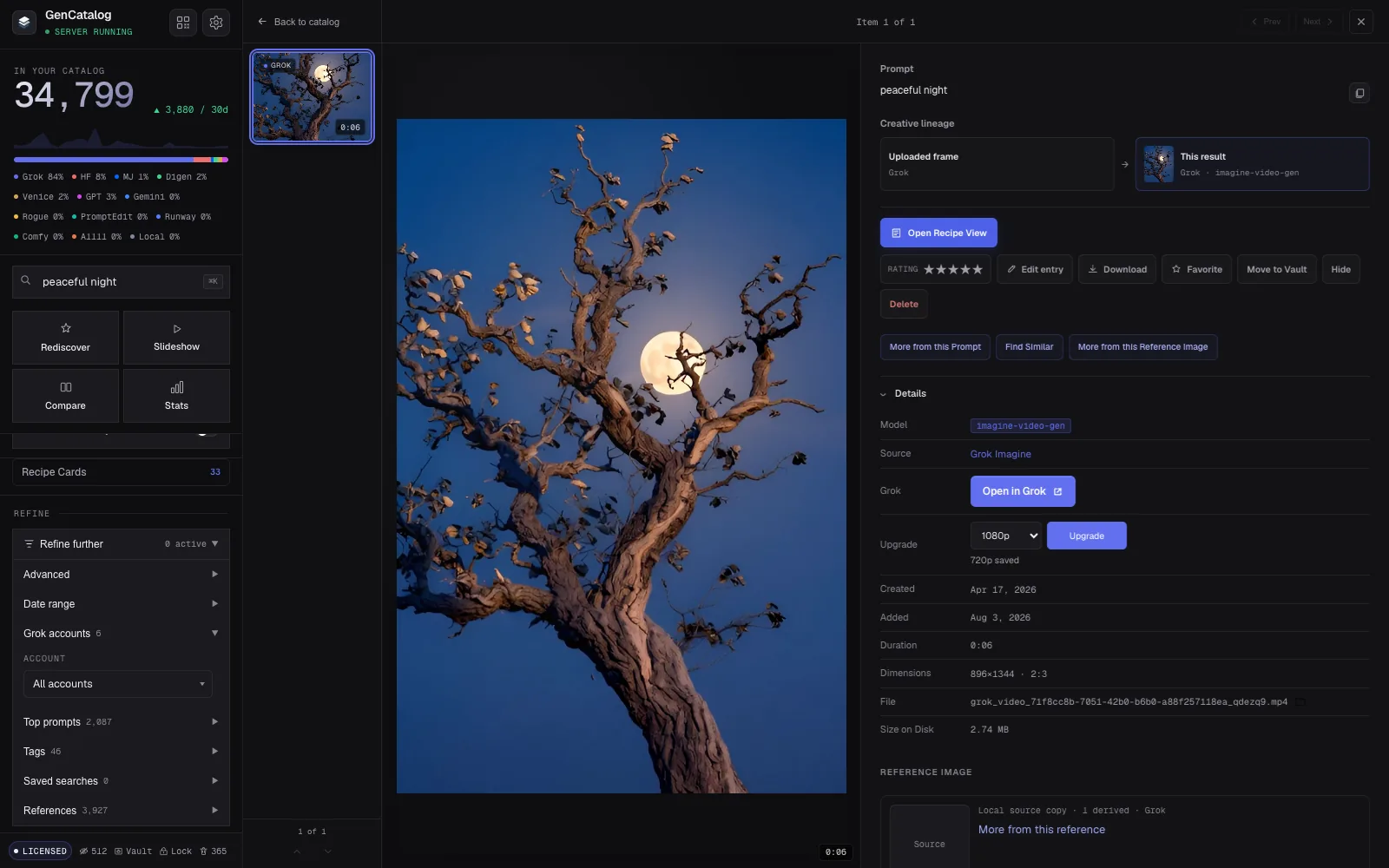
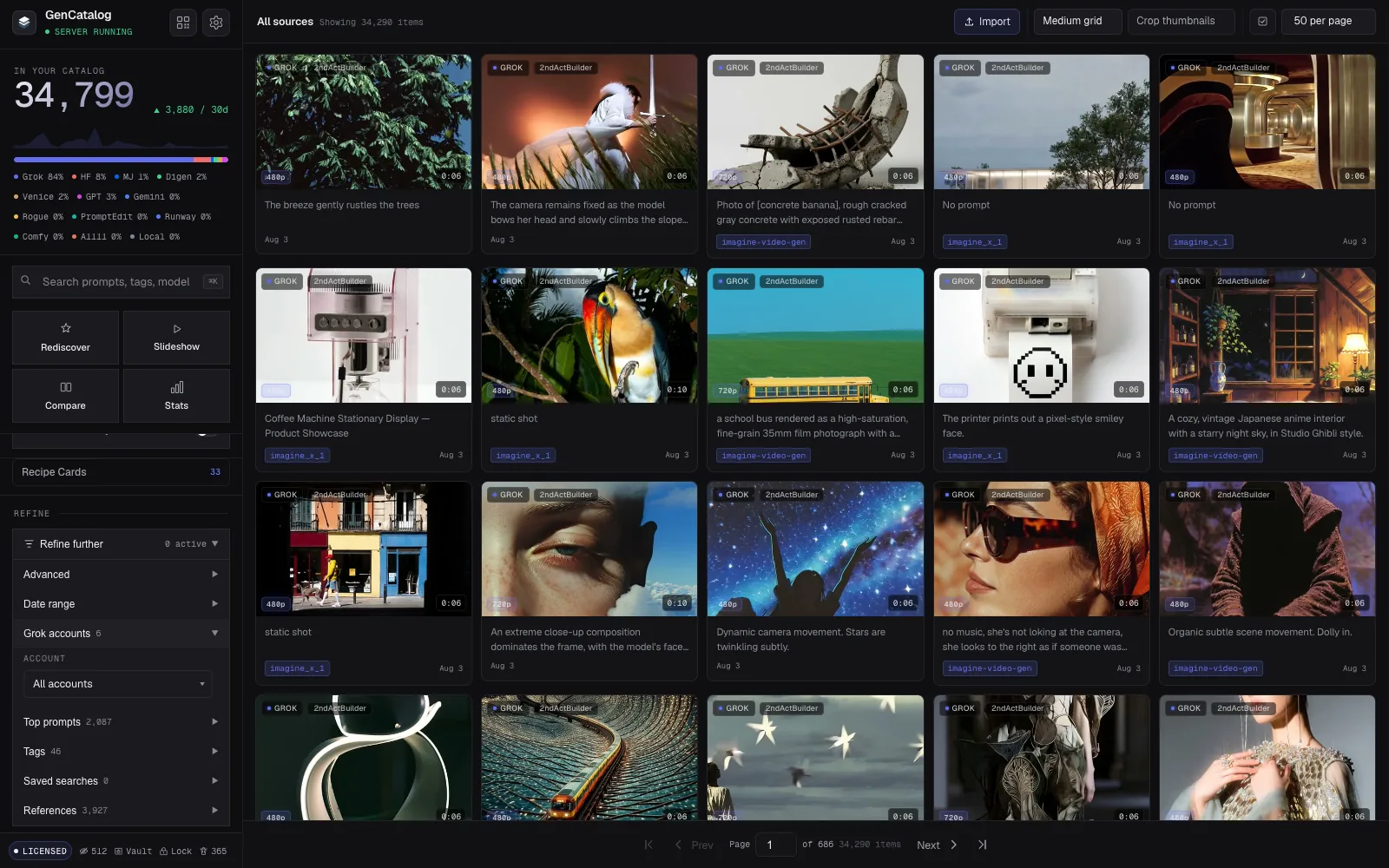
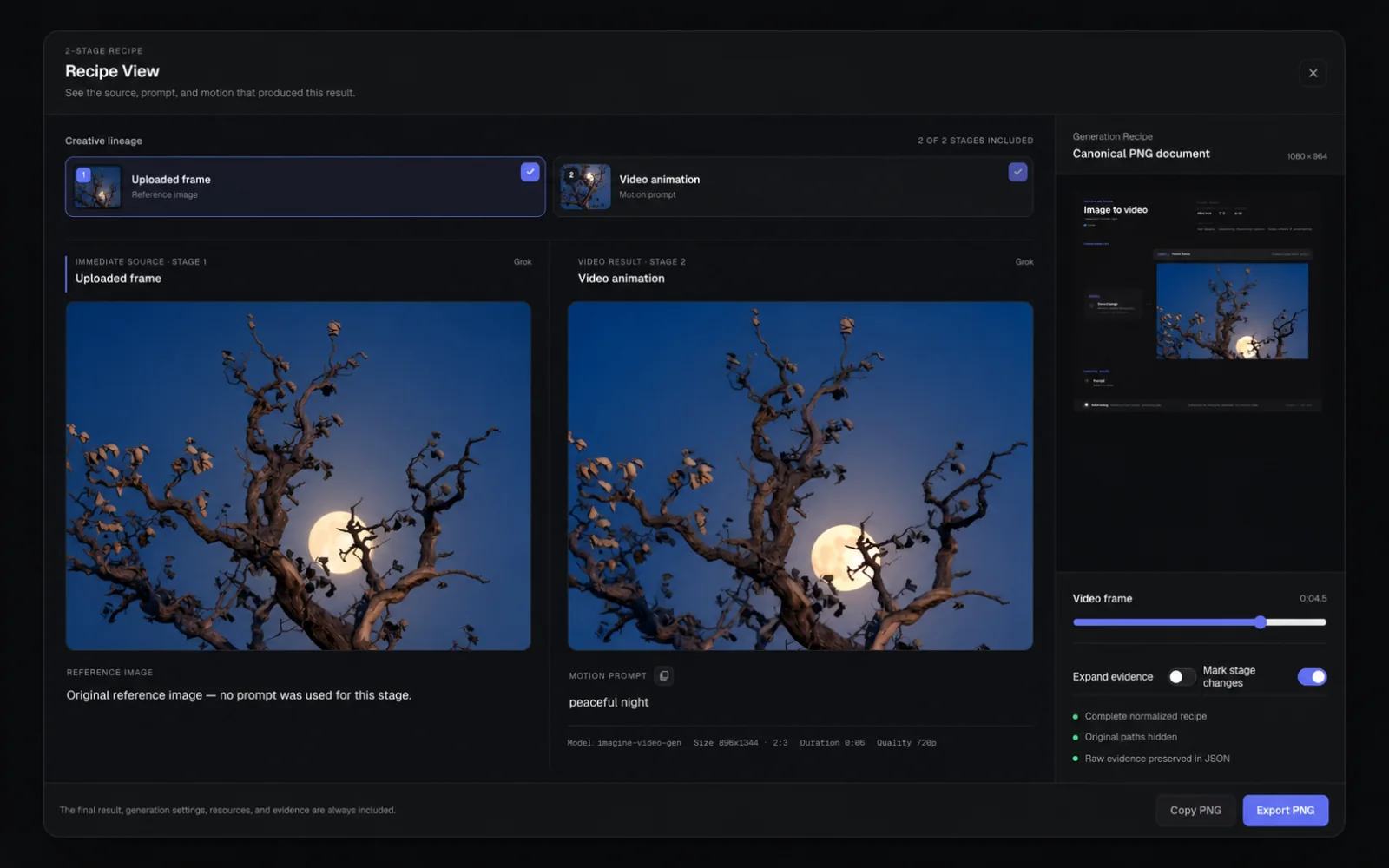
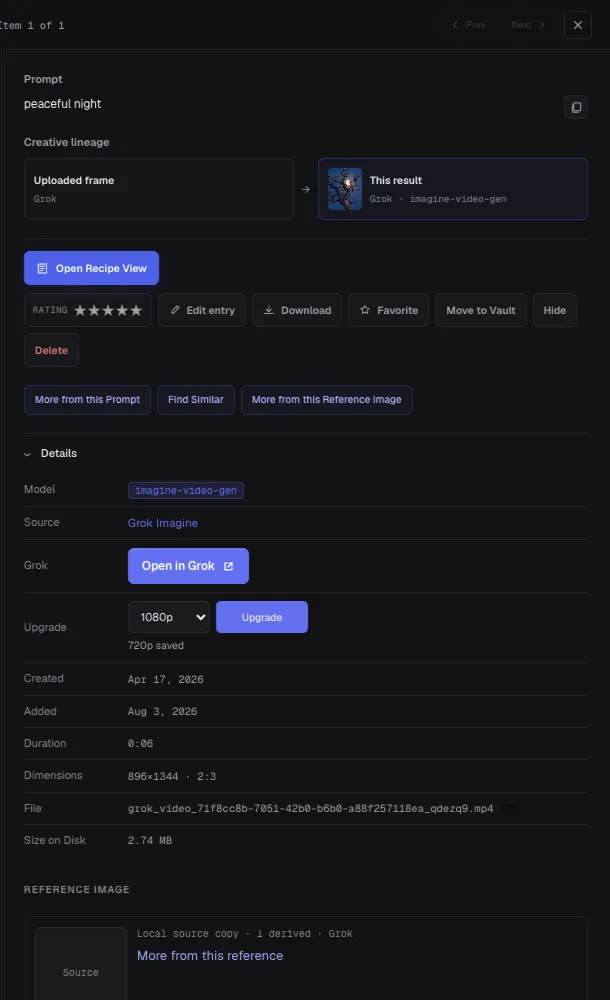
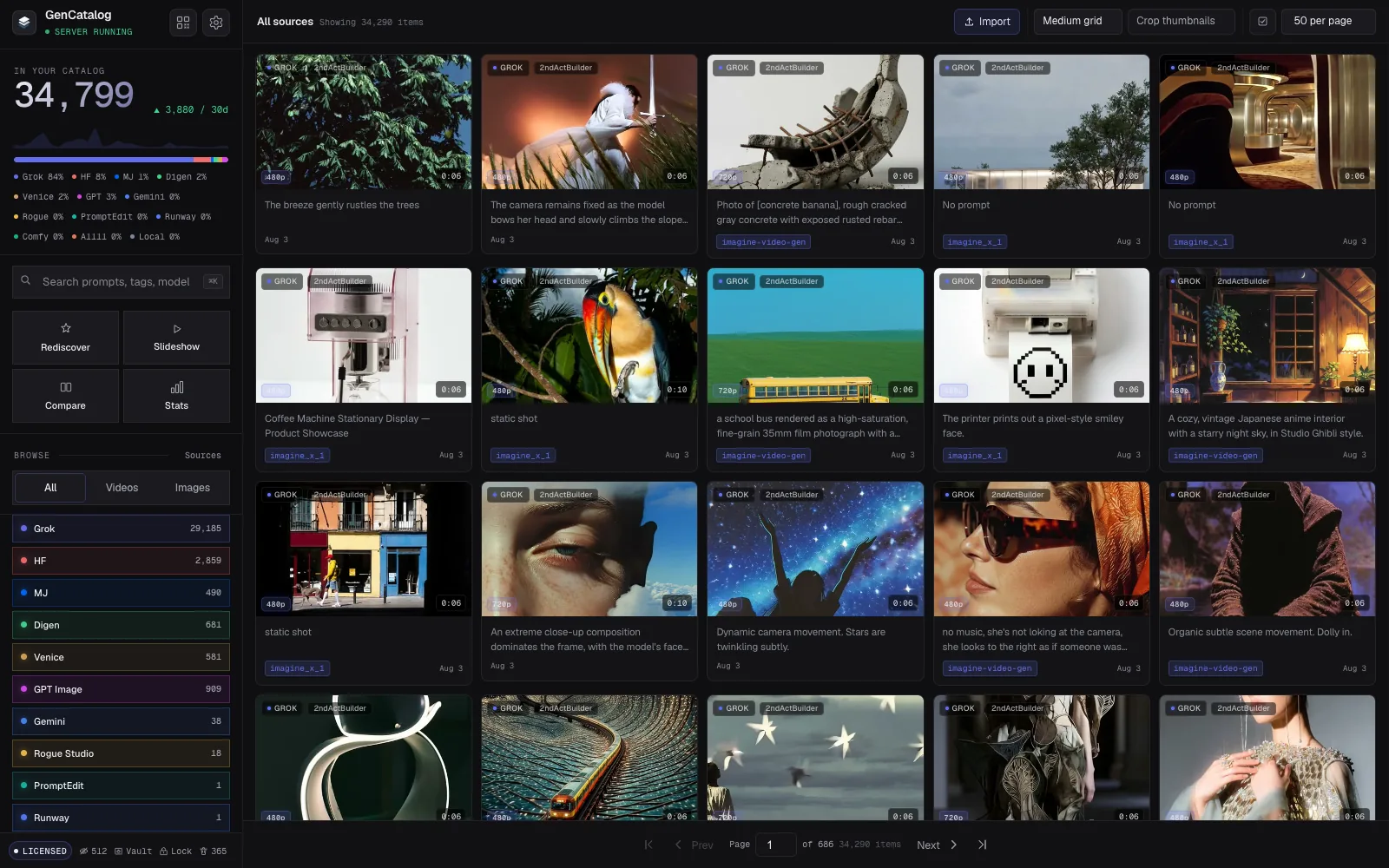
Use the save controls inside Grok as you work, or bring an existing library across in bulk. GenCatalog keeps the media and the available creative context together instead of leaving you with an anonymous download.
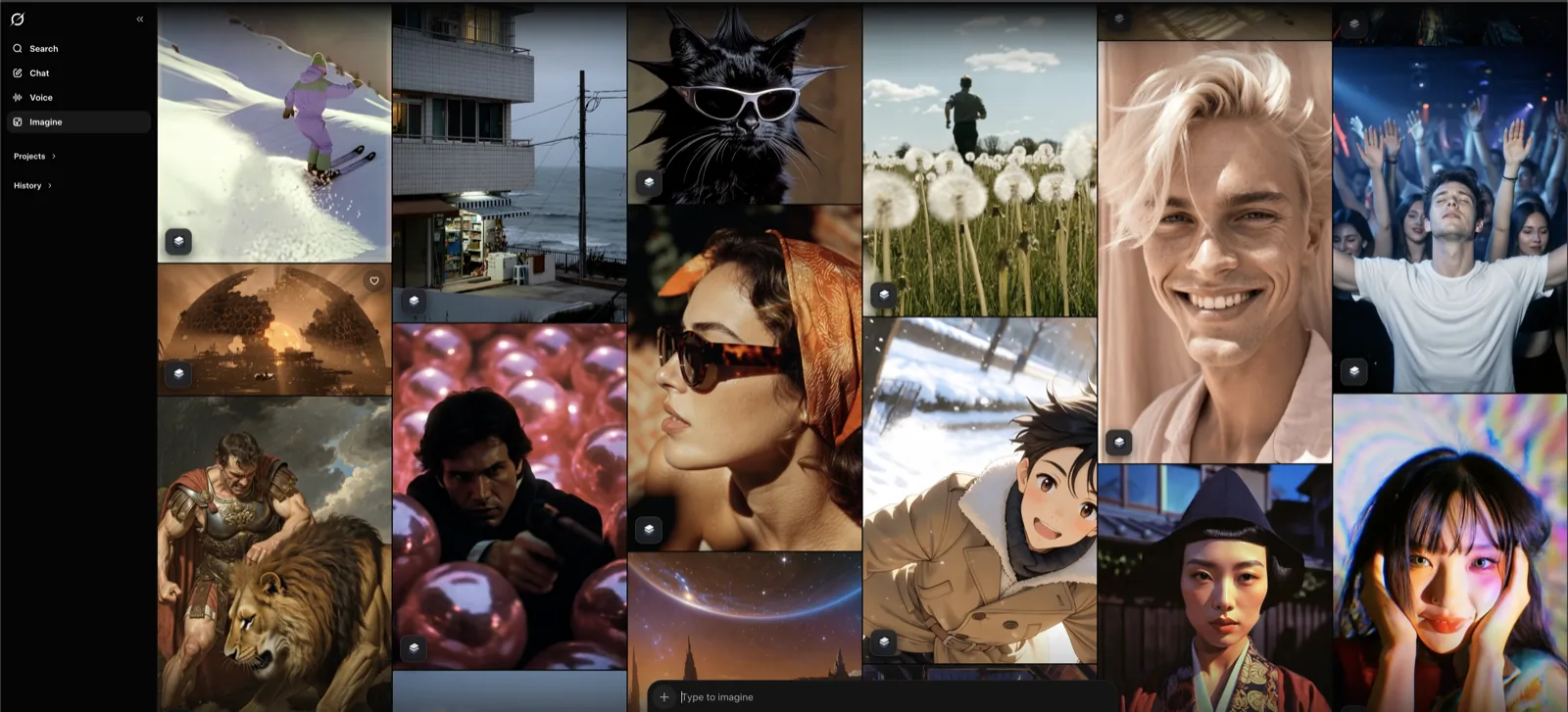
- One-click capture: save an image or video, with the option to favorite it locally at the same time.
- Bulk library capture: scan existing Grok media, skip duplicates, and continue long jobs in the background.
- Smart Sync: recognize what is already saved and focus on what is new.
- Prompt safeguards: hold generated work when a prompt should be recoverable instead of silently filing an incomplete record.
- Source scopes: choose all Grok media, Image + Agent Mode, or chat media only.